Create an AI Character From One Sentence: The New Studio
Tutorial for the new Muzea Studio: create an AI character from one sentence, then make photos, videos and films from a single creation bar.
The Muzea team · · 5 min read
To create an AI character from one sentence, describe who they are in a single line, pick a face among four portraits, then ask for photos, videos or films from one creation bar. That is the idea behind the new Muzea Studio, redesigned to get you from an idea to a finished post in a few clicks.
The short answer:
- Write one sentence: age, job, place, style. Muzea writes the profile and proposes four faces.
- Choose a face, and it becomes the face of every photo, video and film you make with that character.
- The creation bar at the bottom of the character page does the rest: type what you want, pick Photo, Video or Film, and generate.
What changed in the new studio
The old studio had many screens, each for one step. The new one keeps only two entries in the menu: Characters and Creations. Everything else is one click away.
| Before | Now |
|---|---|
| Separate pages for scenes, projects and gallery | One Creations page with filters: Photos, Videos, Films |
| A detailed form to create a character | A single sentence, as on muzea.app |
| Many buttons to start a photo or a video | One creation bar at the bottom of the character page |
| Account settings spread around | The avatar menu: Plan & credits, Settings, Language, Sign out |
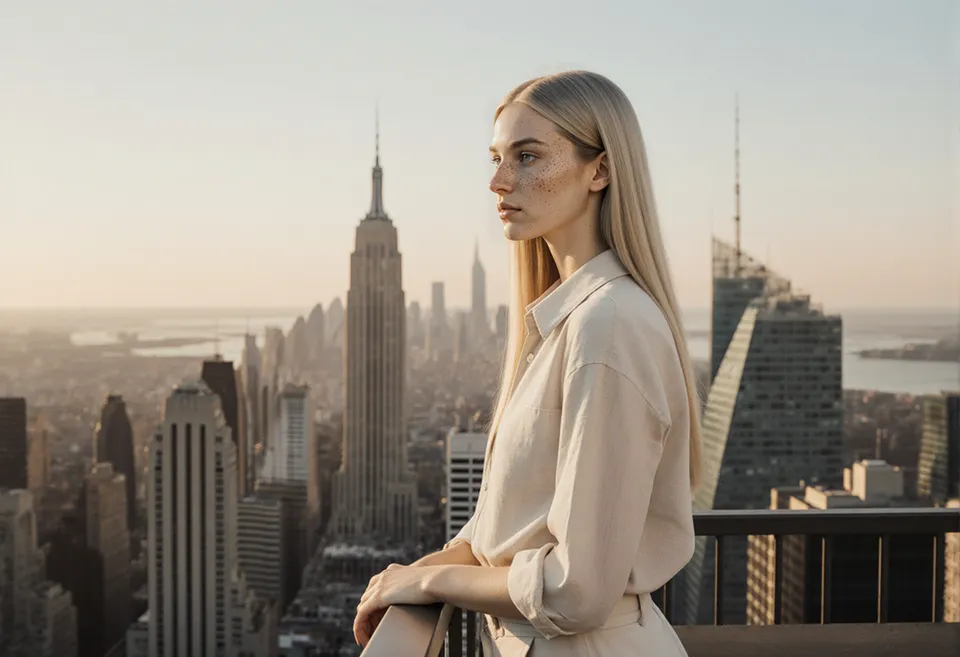
When you open the studio, you land directly on the last character you worked with, with a row of their portraits at the top.
Tutorial: from sentence to first photo
1. Write one sentence
Click New character and describe the person. The more concrete you are, the more memorable they are: an age written out, a job, a city, a look. If you need inspiration, our 20 AI character prompt examples are written for exactly this.
Create a character from this sentence
2. Choose a face
Muzea writes the profile and generates four portraits. Pick the one that feels right. This choice matters most: from now on, every image of this character starts from that face. For the reasons why, see our method for a consistent AI character.
3. Use the creation bar
At the bottom of the character page, type what you want in your own words, for example "a morning coffee on a sunny terrace". Then set:
- Photo: a format (portrait 4:5, square, or vertical 9:16) and 1 to 4 photos. Each photo costs 1 credit.
- Video: 5 or 10 seconds, with an optional start photo. Video is included in paid plans.
- Film: 15, 30 or 60 seconds, with a Phone or Cinema look. Muzea writes the storyboard first, you check the quote, then you launch it.
The button always shows the price in credits before you click. You can also change character from the bar with Change, without going back to the list.
4. Start from a style
Above the bar, a row called "Start from a style" offers ready-made ideas such as a glamour reel, a trip or a gala evening. One click fills in the sentence, the mode, the duration and the format. You can edit anything before you generate.
How a film works
Writing a film costs 3 credits: Muzea turns your sentence into a project, proposes concepts and writes the storyboard of the first one. You then see a total quote for the whole film. Once you launch it, the studio makes the photo of each shot, animates it, and edits everything together, with music. You do not have to jump between pages to follow the steps.
For a deeper look at what keeps a face stable from one shot to the next, read our guide to keeping a consistent character in AI video.
Start your own film with a new character
Tips to get better results
- Keep one idea per request. "Reading by the window" works better than a whole day in one sentence.
- Name the light and the place. "Golden hour", "grey rainy street", "bright kitchen".
- Generate two or three photos first. Pick the best ones, then animate them.
- Use Creations to compare. Filter by Photos, Videos or Films and keep what you like.
FAQ
How do I create an AI character from one sentence?
Click New character, write one line with an age, a job, a place and a style, then choose a face among four portraits. The character is ready as soon as you pick it, and you can start making photos right away.
How many credits does a photo, a video or a film cost?
A photo costs 1 credit. A 5-second video costs 20 credits and a 10-second one costs 40, and a film starts with 3 credits for the storyboard, then a quote for the whole film. The creation bar always shows the price before you generate.
Can I change the face after choosing it?
The face you choose is the reference for all images of that character, which is what keeps them recognizable. If it is not right, create a new character with an adjusted sentence rather than mixing faces.
Where did my scenes and projects go?
They are in Creations, with filters for Photos, Videos and Films. Older addresses still open, and your existing work is kept.
Do I need a paid plan?
You can create characters and photos with the credits of your account. Video is included in paid plans, and Premium video is for subscribers. See the pricing page for the current credits.
Read next
AI Character in Claude and ChatGPT: The MCP Connector
Connect Muzea to Claude or ChatGPT with MCP and ask for photos and videos of your consistent AI character in plain words. Step-by-step tutorial.
AI Influencer Names: How to Choose One That Sticks
How to pick an AI influencer name: 5 styles, a 4-step handle check, mistakes to avoid and 40 fictional examples to borrow ideas from.